SAMPLE AND DEMONSTRATION ONLY. Illustrative analysis of publicly available information, prepared by BI Consulting Services. Not affiliated with, endorsed by or produced for any company shown.
Demonstration · Illustrative data · BI Consulting Services Global Transportation & Trade Operations · GS&SCS
Johnson & Johnson × BI Consulting Services
Transportation & Trade Operations Board — the Power BI layer on top of the production Power App: lanes, clearance, cold chain, and the GxP enhancement backlog in one validated view.
Prepared for Chris
September 2026 · Power BI + Power Platform
Sep 2025 – Aug 2026 · 16 lanes · 3 modes
Region
Mode
Period
Network in scope
64manufacturing sites feeding 16 lanes
Every shipment on this board originates at one of J&J's 64 manufacturing facilities worldwide1 and is tracked from booking through customs release to receipt. In the selected view, — shipments moved with — arriving on time against a 96.0% target.
1 Site count is J&J's published figure (jnj.com/about-jnj, 2026). Lanes, volumes and every other number on this page are illustrative demonstration data.

Application lifecycle · Transportation & Trade Power App

Where the app sits today, and where this Power BI layer plugs in. First GxP application in the organisation.

POCPrototype built in-house
ProductionValidated release · IQ/OQ/PQ complete
Maintain & enhanceChange control · backlog
Reporting layerThis board · certified dataset
— enhancement requests are open against the production app; — of them touch GxP-impacting fields and route through formal change control. Median intake-to-release: — days.

On-time delivery vs 96.0% target

Monthly, selected lanes · hover for detail

On-time %Target 96.0%Below-target month

Freight spend vs plan

Monthly, USD · selected lanes

ActualPlan

Lane network · origin site to destination market

Stroke width = shipment volume · red = lane below 96.0% on-time in the period · dots = manufacturing sites by region

Lane at or above targetLane below targetThinner = fewer shipments

What this board answers

Three questions the ops lead asks on Monday

Lane ranking · on-time %

All lanes in the selected view, worst first · red line = 96.0% target

Trade compliance · customs holds

Holds raised in the period and how fast they cleared

Released ≤ 24 h24–72 h> 72 h (SLA breach)

SLA breaches (> 72 h) by month
Also from BI Consulting Services

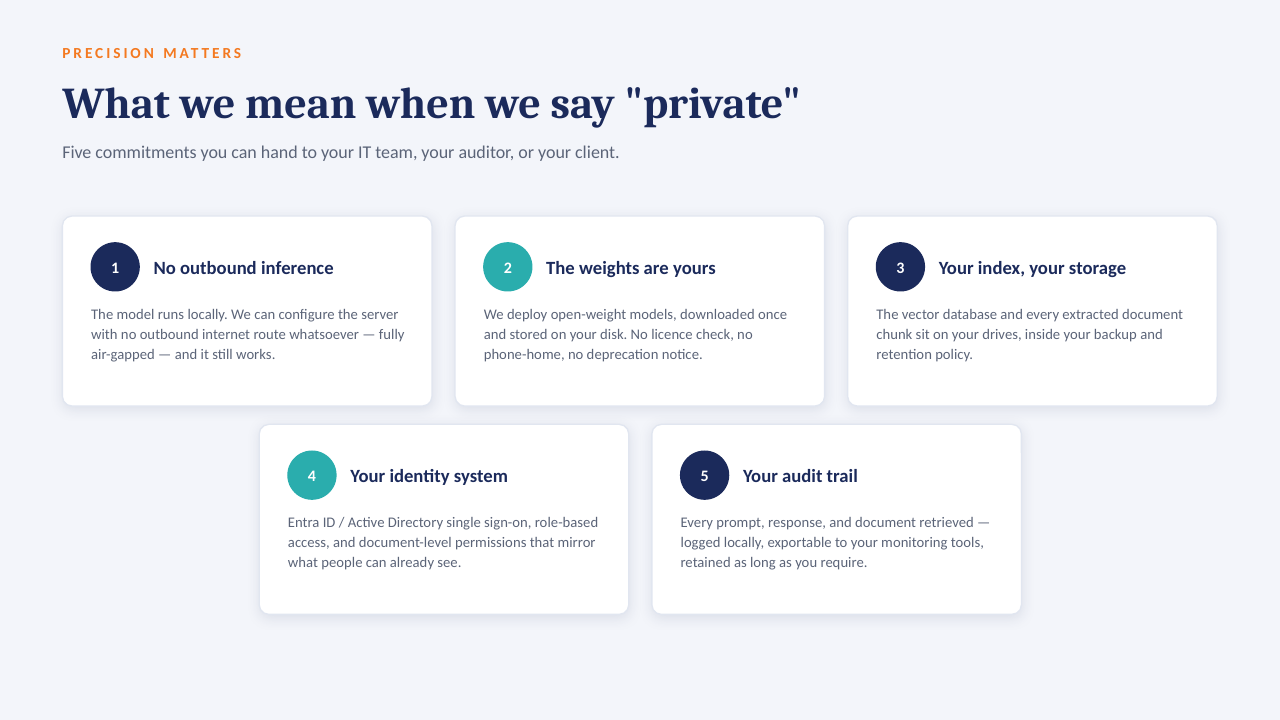
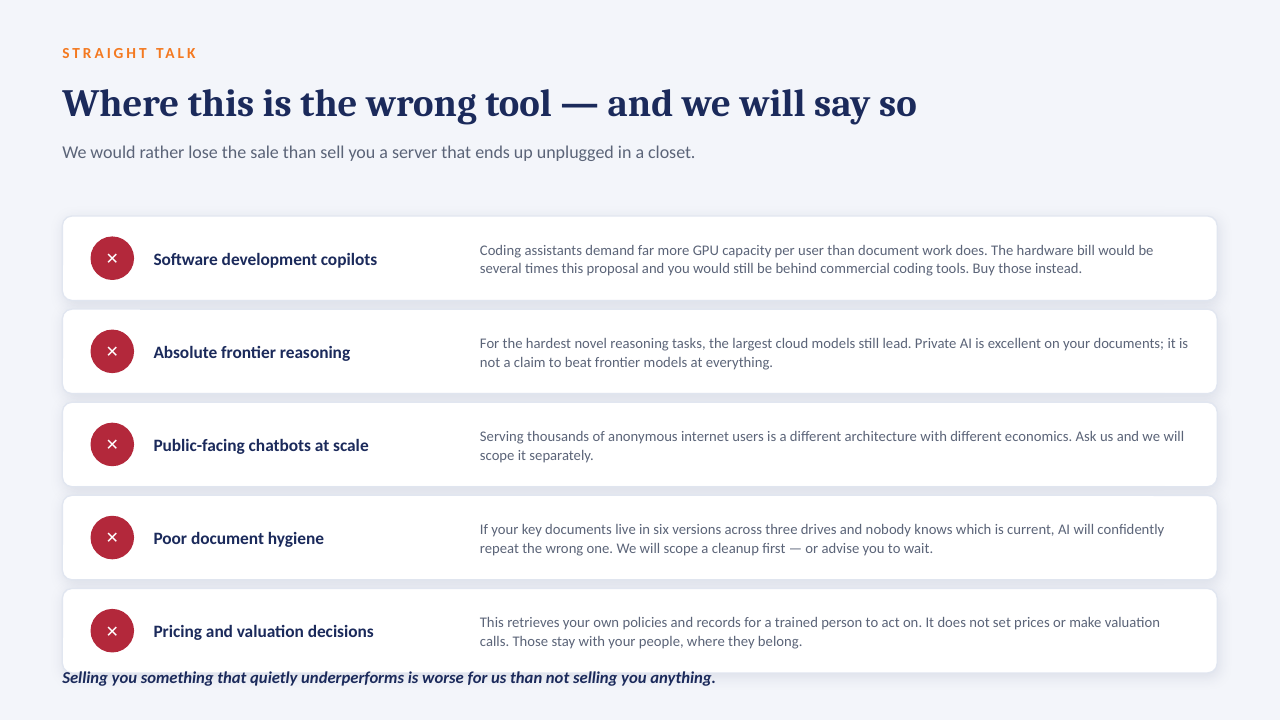
Private AI on your own server

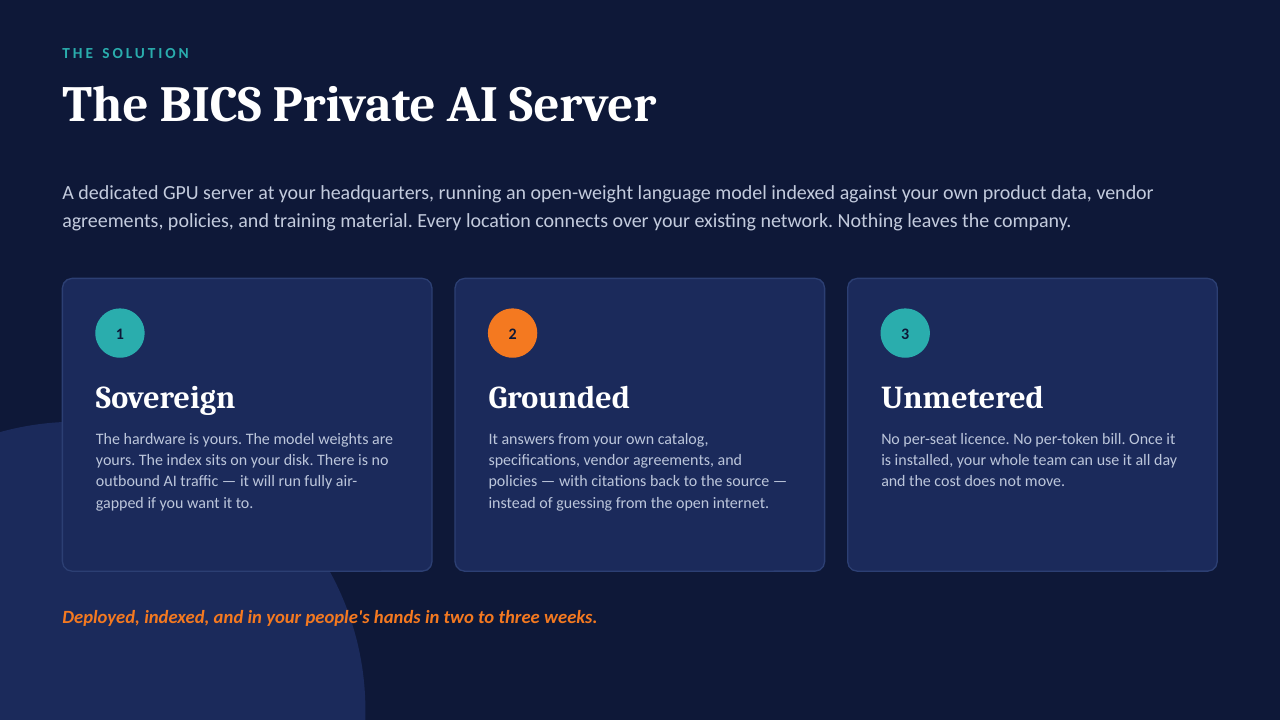
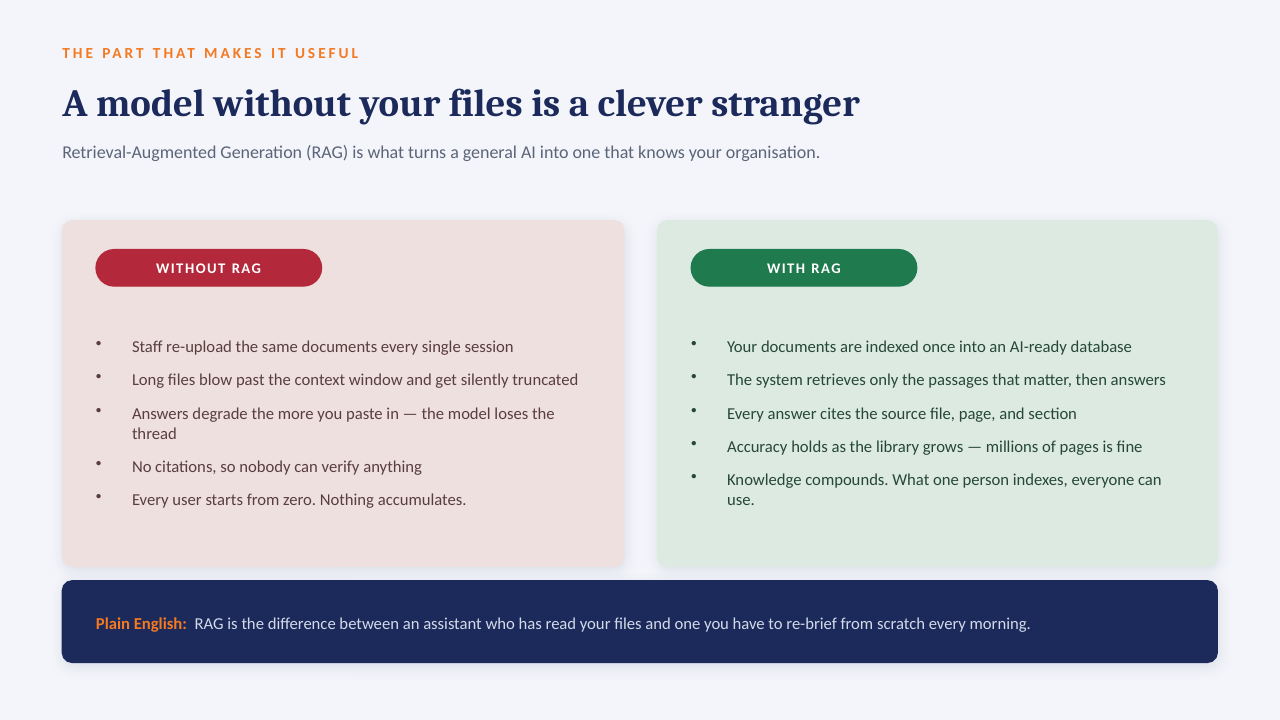
The "ask the data" panel above is built to run on a GPU server inside your own network: an open-weight model over your own documents, with every answer citing the file it came from. No per-seat licence, works offline, and nothing leaves the building.

How it sits in your environment

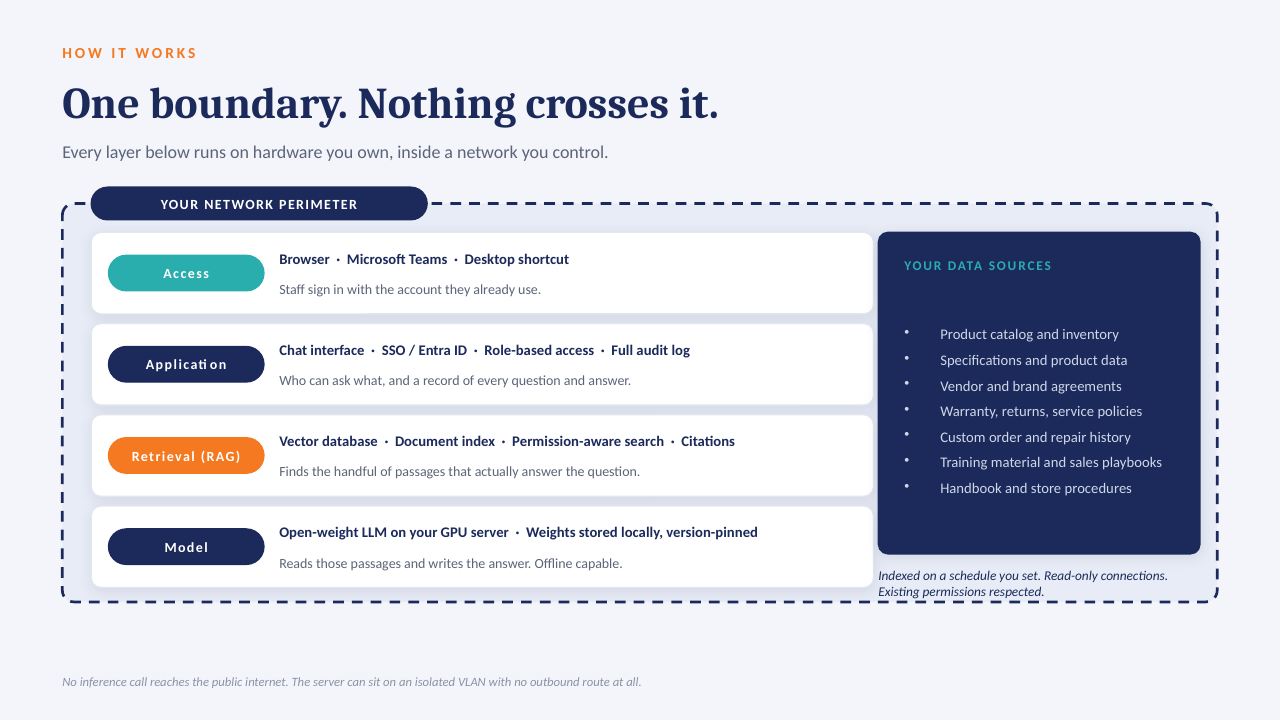
YOUR NETWORK · NOTHING LEAVES THE BUILDING Your files policies · SOPs · contracts reports · ERP exports indexed locally GPU One server, in your building open-weight model · your data only in seconds Cited answers every reply links to the source file and page no cloud AI · no third-party processor
One appliance-class server on your rack or in a secured closet. Your files are indexed where they already live; the model runs locally; answers come back with the source page attached.

What that means in practice

  1. 1
    Your data only, on your hardwareAn open model over your own documents and exports. No third-party AI processor, no data-transfer agreement to review.
  2. 2
    Every answer cites its sourceReplies point to the file and page they were drawn from, so people check the answer instead of trusting it blind.
  3. 3
    No per-seat licenceThe whole team can ask questions. Cost is the server and our build, not a monthly number that grows with headcount.
  4. 4
    Works offlineIf the internet connection goes down, the answers still come. Nothing depends on a vendor's uptime or pricing changes.

The short deck

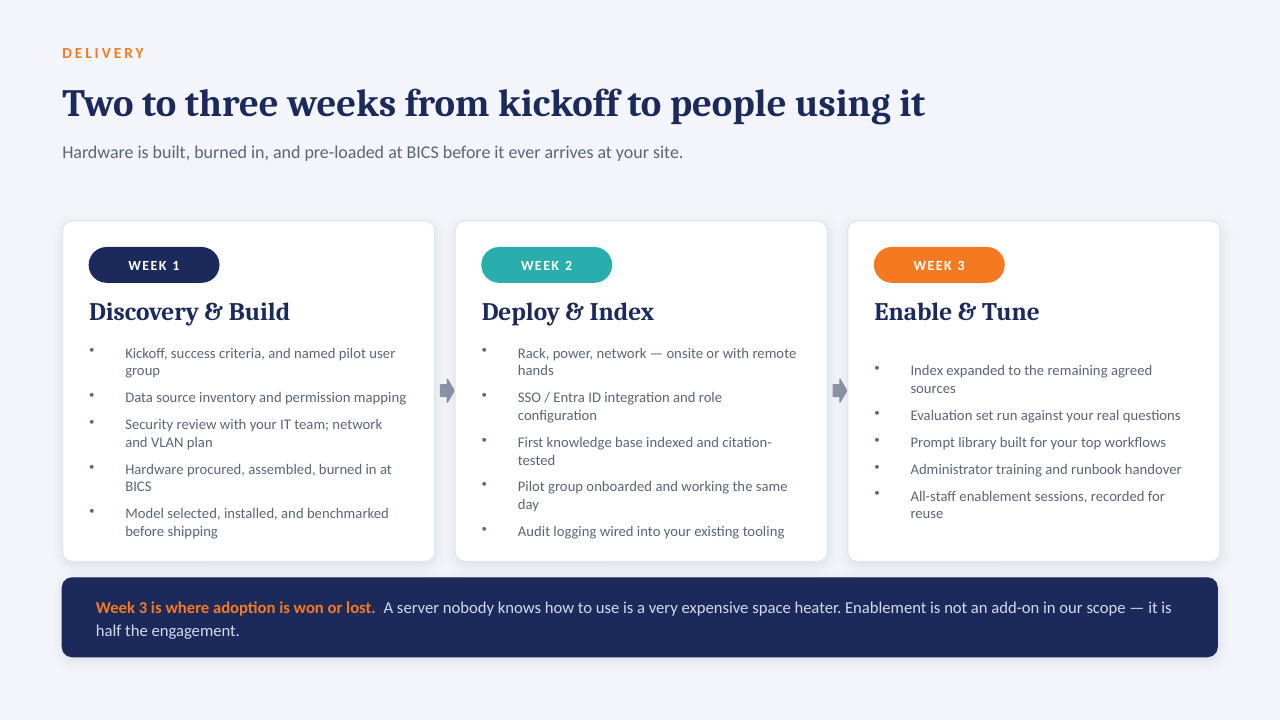
14 slides on how a private AI server is scoped, secured and rolled out. Click through, or take the PDF.

Download the PDF
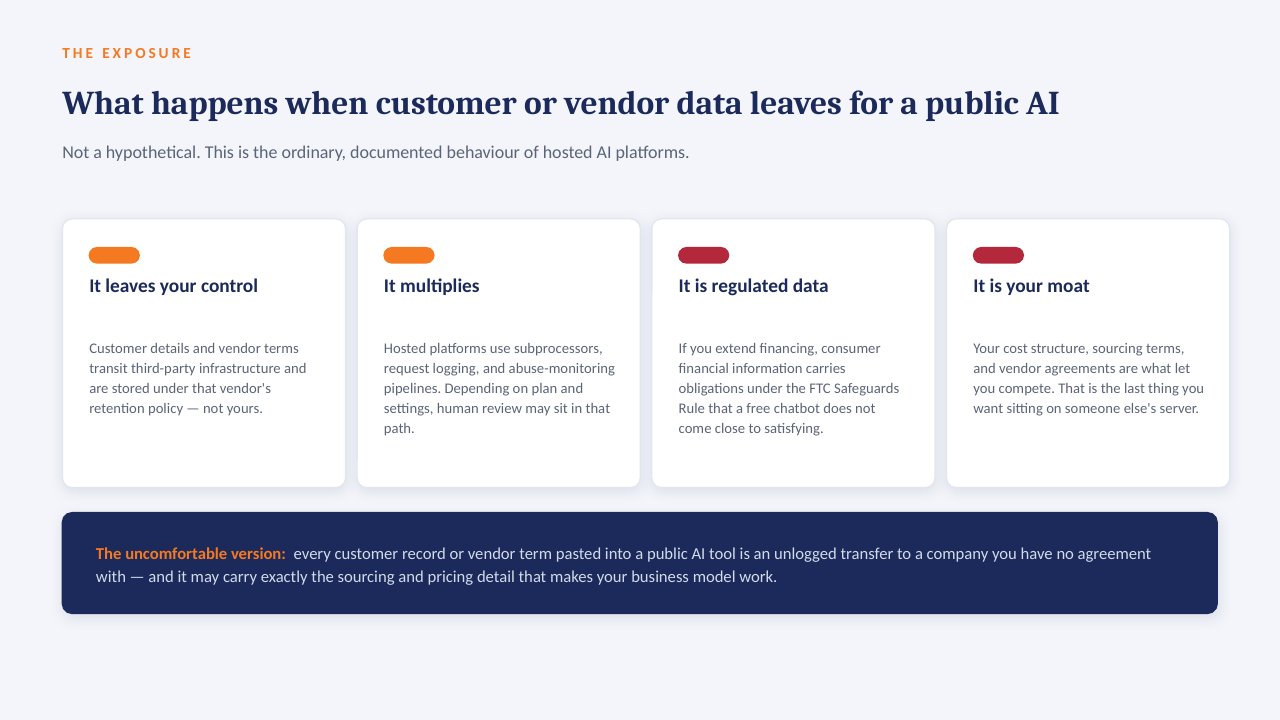
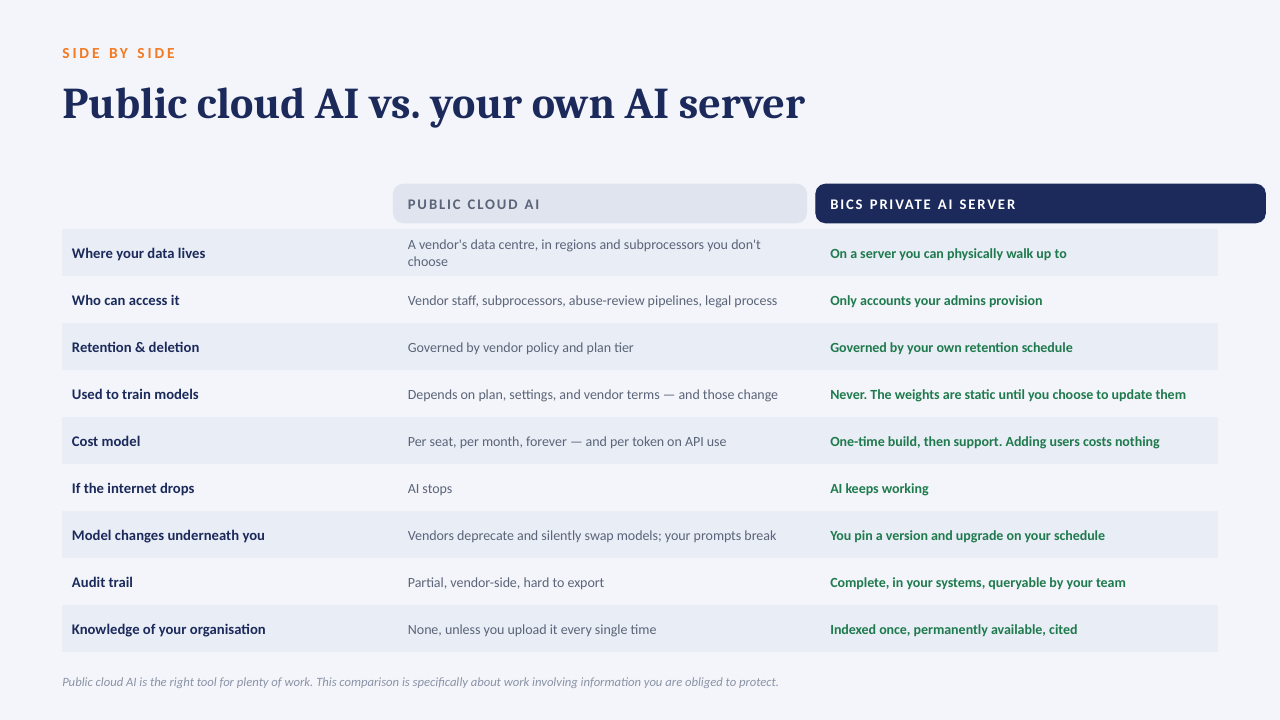
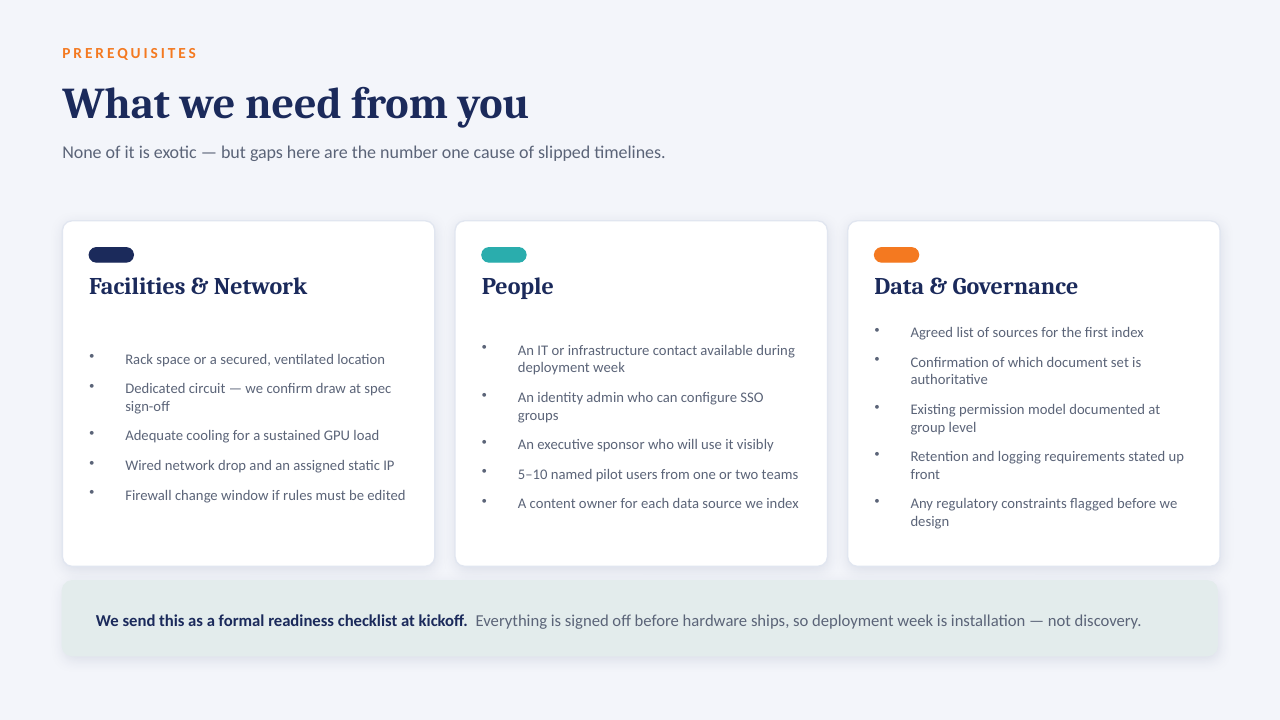
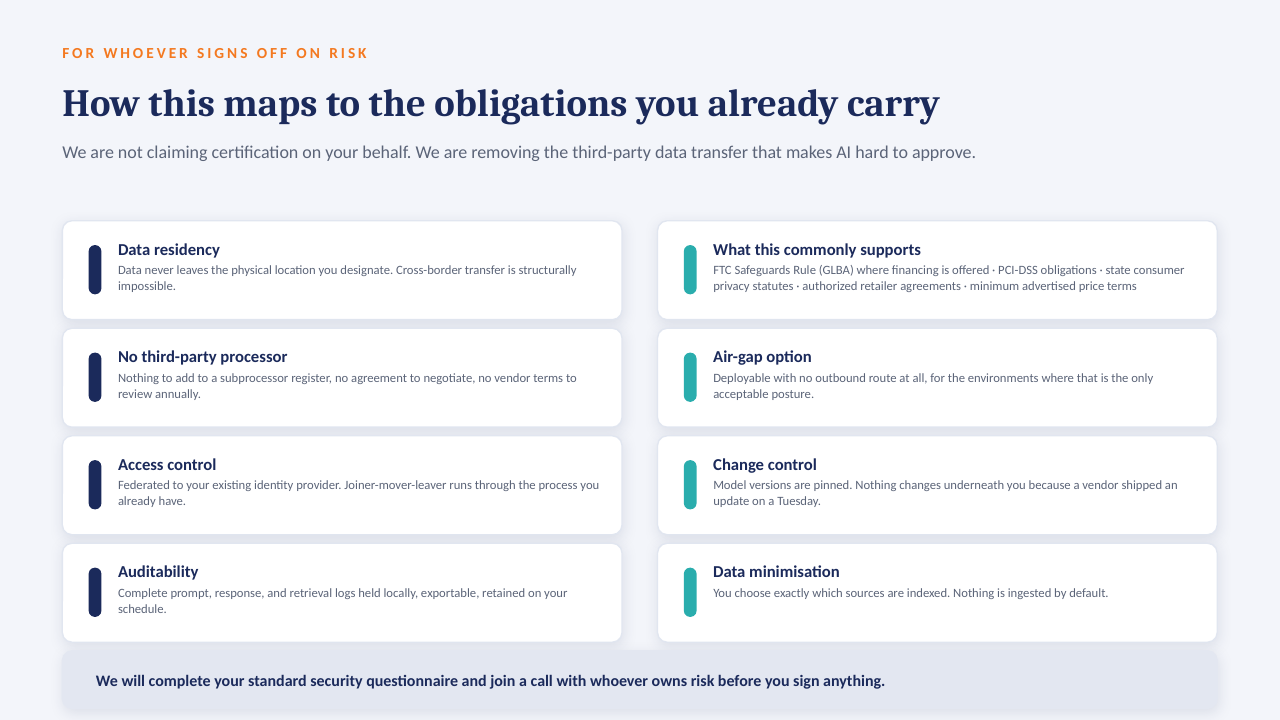
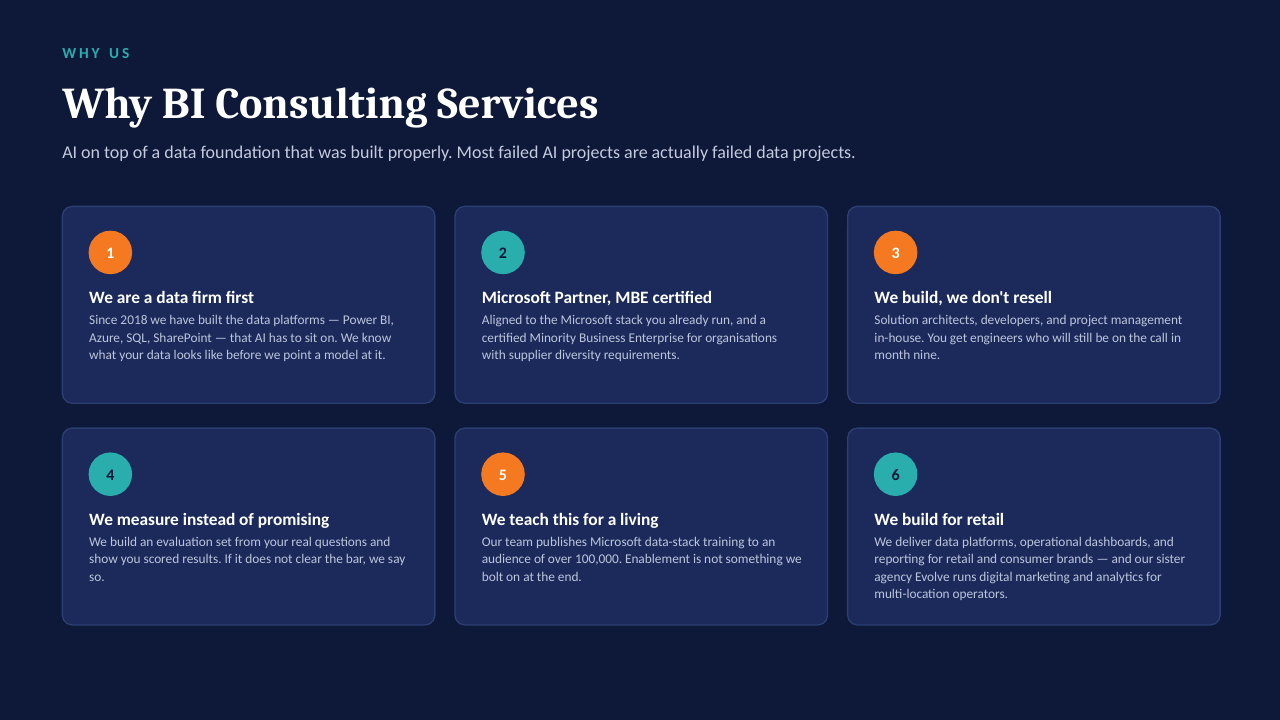
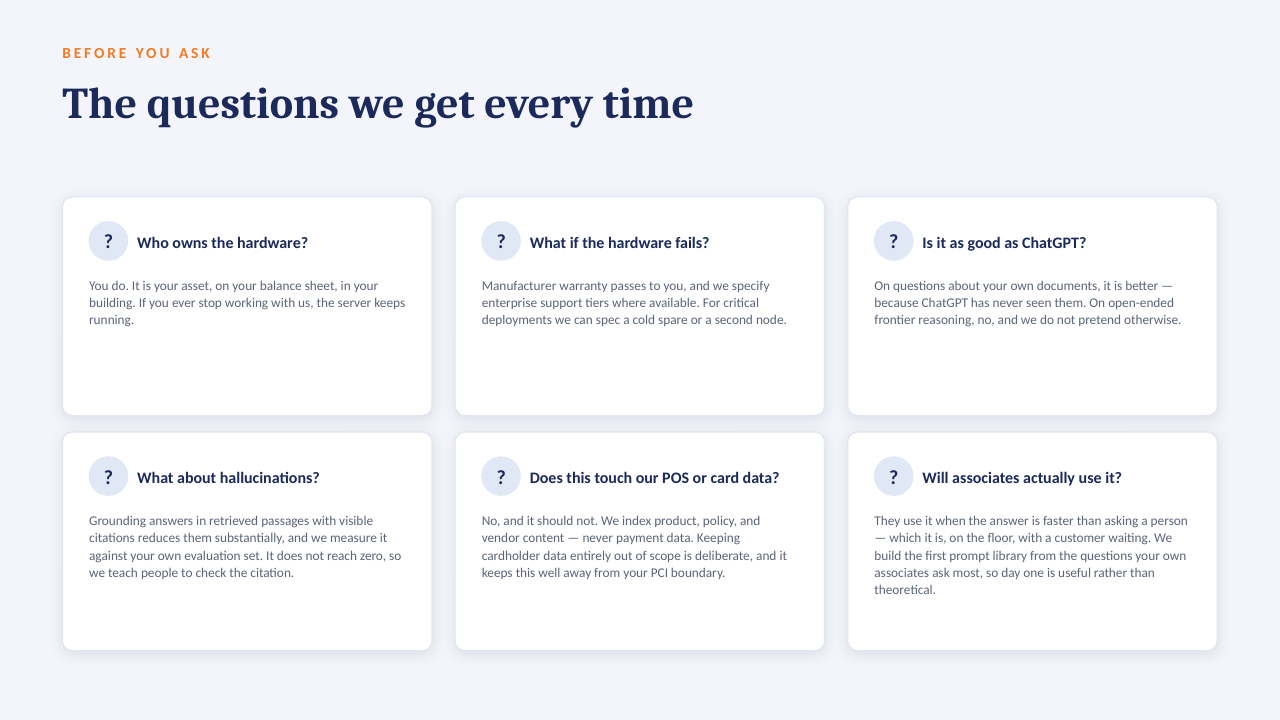
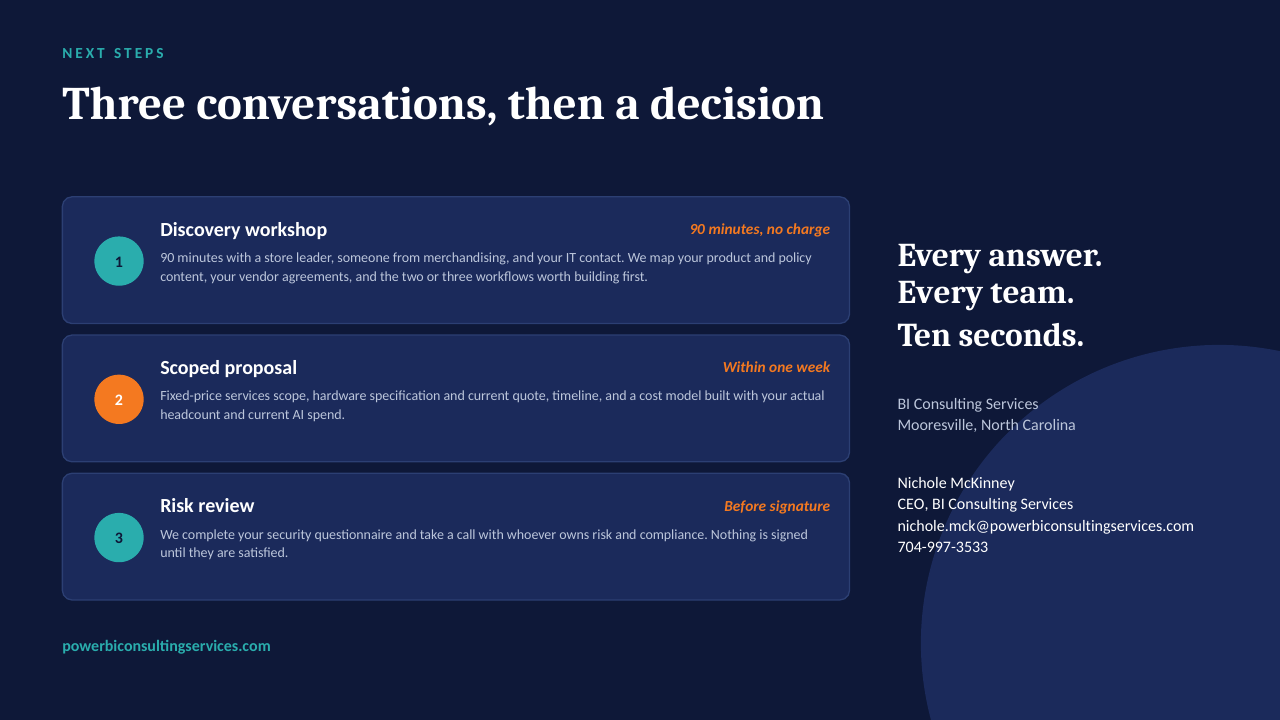
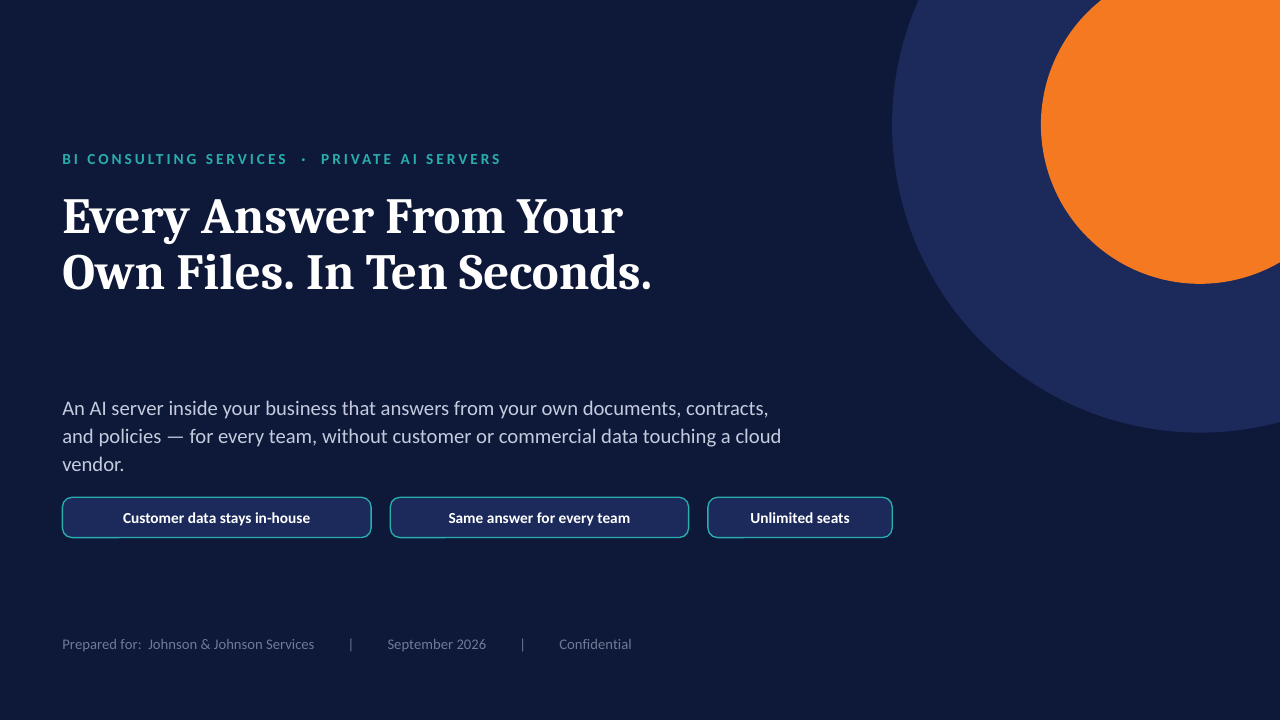
Private AI on your own server — slide 1 of 14 Private AI on your own server — slide 2 of 14 Private AI on your own server — slide 3 of 14 Private AI on your own server — slide 4 of 14 Private AI on your own server — slide 5 of 14 Private AI on your own server — slide 6 of 14 Private AI on your own server — slide 7 of 14 Private AI on your own server — slide 8 of 14 Private AI on your own server — slide 9 of 14 Private AI on your own server — slide 10 of 14 Private AI on your own server — slide 11 of 14 Private AI on your own server — slide 12 of 14 Private AI on your own server — slide 13 of 14 Private AI on your own server — slide 14 of 14
1 / 14Tap or click a slide to advance · arrow keys work too

Worth a conversation? Book 30 minutes with NicholeBI Consulting Services · powerbiconsultingservices.com